
GeoLinker GPS Visualizer
Real-time GPS tracking for IoT devices. Send location data from ESP32, Arduino, or any device and visualize on interactive maps.
Get Started in Minutes
Start sending IoT notifications in just a few simple steps
Create Account
Sign up for free, no credit card required
Get API Key
Generate your API key from dashboard
Send GPS Data
Send location from ESP32, Arduino, or NodeMCU
View Your Map
See real-time data visualized on map
GPS Simulator
Simulate GPS data and send it to GeoLinker in real-time


cd_xxxxxxxxxxxxxxxxxxxxKey names: letters, digits, underscores only. Sent as payload[0]. Sensor names (temperature, humidity, battery…) are stored as sensor fields. Any other name is custom: up to 5 per device (the first 5 it sends are kept), values up to 30 characters.
Before you write your firmware
- Send
timestampin UTC asYYYY-MM-DD HH:MM:SS(GPS modules already give UTC). Points timed in the future or more than a year ago are placed at the time we receive them. - Send sensor values as their own fields:
speed,battery,temperature,humidity,altitude,heading,accuracy,signal_strength,satellites. - Anything else goes in
payload: up to 5 custom names per device, with values up to 30 characters. The first 5 names a device sends are kept, so choose them before you deploy. To start over, use Delete All History on the Live Map.
1#include <WiFi.h>
2#include <HTTPClient.h>
3#include <TinyGPS++.h>
4#include <HardwareSerial.h>
5
6const char* ssid     = "YOUR_WIFI_SSID";
7const char* password = "YOUR_WIFI_PASSWORD";
8const char* apiKey   = "YOUR_API_KEY";
9const char* device   = "esp32_tracker";
10
11TinyGPSPlus gps;
12HardwareSerial SerialGPS(1);
13
14void setup() {
15  Serial.begin(115200);
16  SerialGPS.begin(9600, SERIAL_8N1, 16, 17);
17  WiFi.begin(ssid, password);
18  while (WiFi.status() != WL_CONNECTED) delay(500);
19  Serial.println("WiFi connected!");
20}
21
22void loop() {
23  while (SerialGPS.available()) gps.encode(SerialGPS.read());
24  if (gps.location.isUpdated()) {
25    sendLocation(gps.location.lat(), gps.location.lng(),
26                 gps.speed.kmph(), gps.altitude.meters());
27    delay(10000); // every 10 s
28  }
29}
30
31void sendLocation(float lat, float lng, float spd, float alt) {
32  HTTPClient http;
33  http.begin("https://circuitdigest.cloud/api/v1/geolinker");
34  http.addHeader("Content-Type", "application/json");
35  http.addHeader("Authorization", "Bearer " + String(apiKey));
36
37  char ts[20];  // UTC from the GPS, "YYYY-MM-DD HH:MM:SS"
38  snprintf(ts, sizeof(ts), "%04d-%02d-%02d %02d:%02d:%02d",
39           gps.date.year(), gps.date.month(), gps.date.day(),
40           gps.time.hour(), gps.time.minute(), gps.time.second());
41
42  String body = "{";
43  body += "\"device_id\":\"" + String(device) + "\",";
44  body += "\"timestamp\":[\"" + String(ts) + "\"],";
45  body += "\"lat\":[" + String(lat, 6) + "],";
46  body += "\"long\":[" + String(lng, 6) + "],";
47  body += "\"speed\":[" + String(spd, 1) + "],";
48  body += "\"altitude\":[" + String(alt, 1) + "],";
49  body += "\"satellites\":[" + String(gps.satellites.value()) + "],";
50  // Anything else goes in payload: up to 5 custom names per device
51  body += "\"payload\":[{\"hdop\":" + String(gps.hdop.hdop(), 1) + "}]";
52  body += "}";
53
54  int code = http.POST(body);
55  Serial.println(code == 200 ? "Sent!" : "Error: " + String(code));
56  http.end();
57}
Tutorials
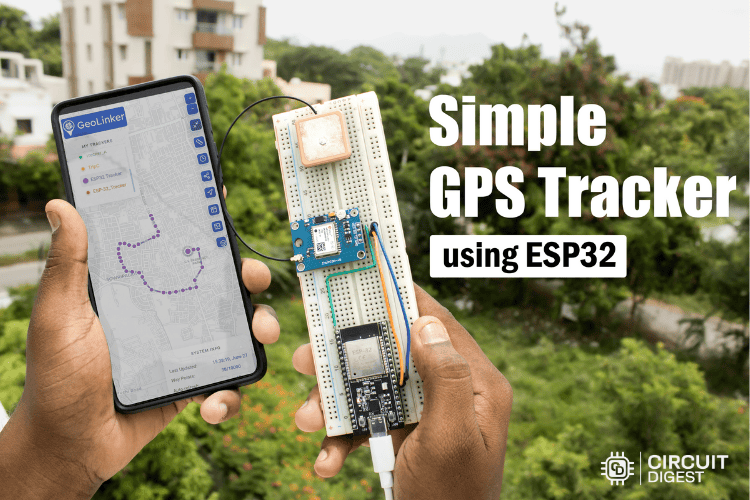
Simple GPS Tracker using ESP32
Create a GPS tracker with ESP32 and Neo-6M module for IoT applications.
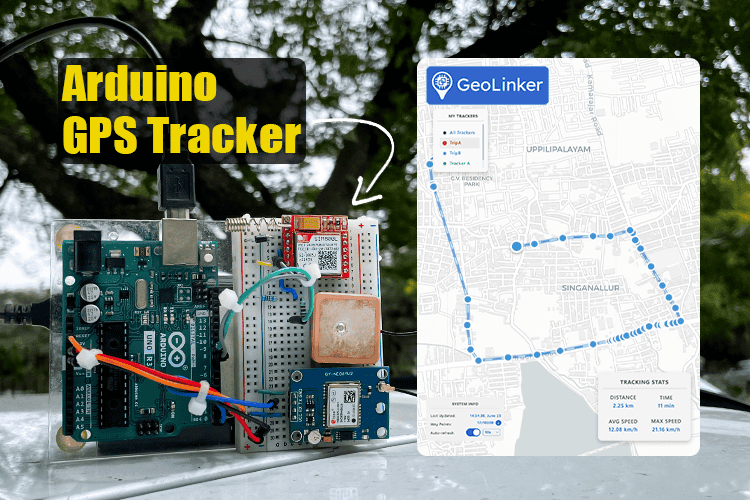
Arduino GPS Tracker using SIM800L & Neo-6M
Build a complete GPS tracker with Arduino and visualize location data in real-time.
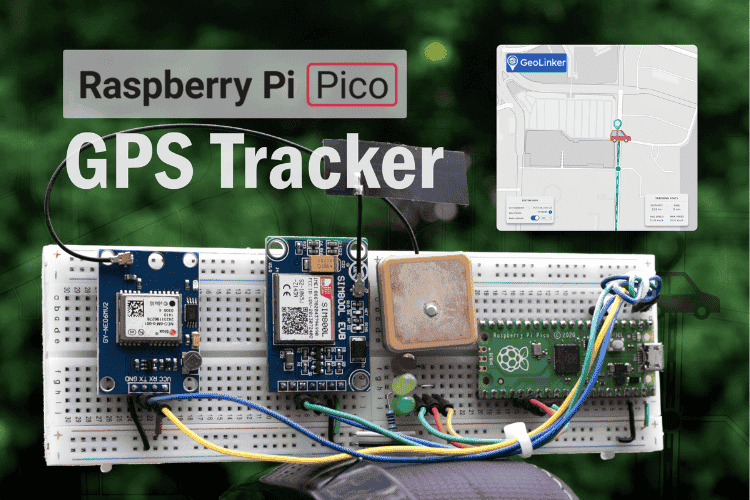
Raspberry Pi Pico GPS Tracker
Learn how to use the Raspberry Pico board with GeoLinker to build a GPS tracker.
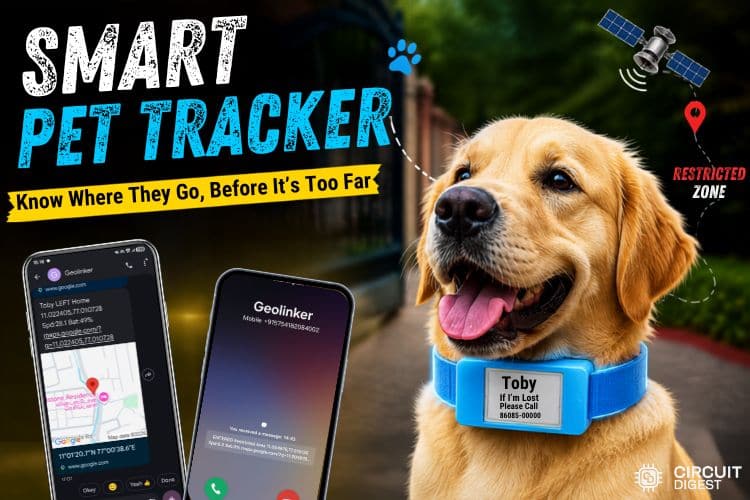
IoT Pet Tracking System using CircuitDigest Cloud
Build an IoT-based pet tracker using GPS and CircuitDigest Cloud to monitor your pet's location in real-time.

GPS Tracker with Geofencing Using Seeed Studio XIAO ESP32-S3
Build a low-cost GPS tracker with the XIAO ESP32-S3 that streams live location to CircuitDigest Cloud and sends SMS alerts via geofencing when the device crosses a defined boundary.